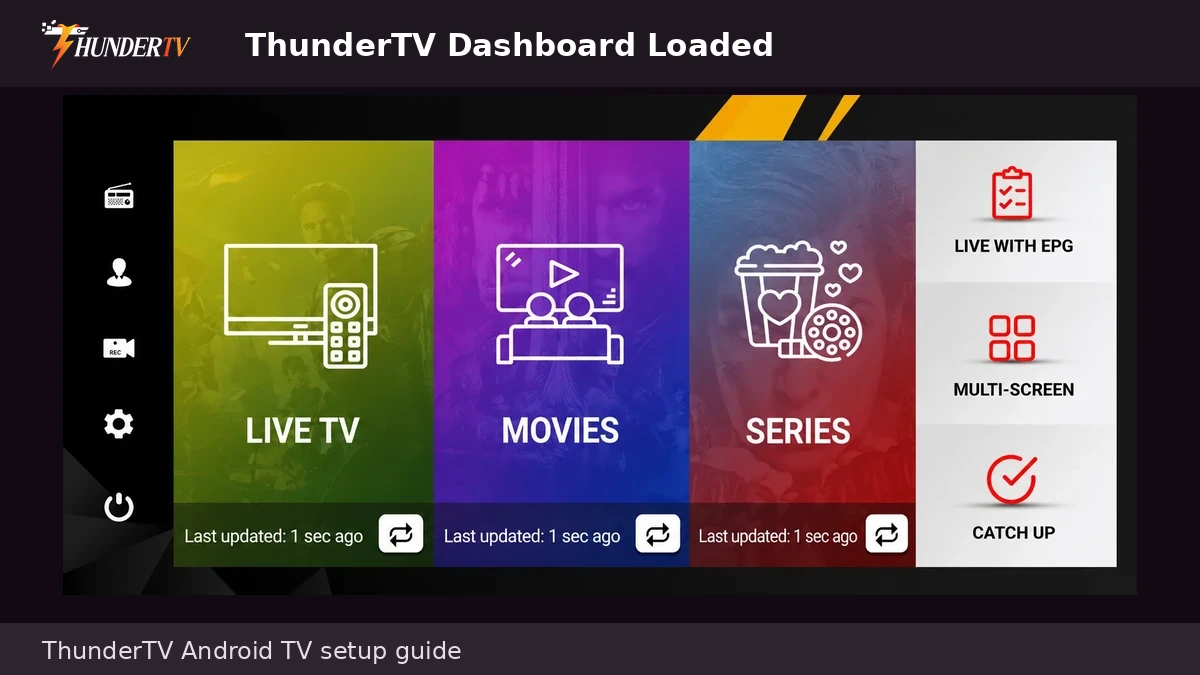
Android TV IPTV Setup Guide
Follow these steps to set up ThunderTV IPTV on Android TV, Android Box, Google TV, Nvidia Shield, Onn streaming devices, or another supported Android-based streaming device. You can use ThunderTV, the ThunderTV AppStore, Downloader, or another supported IPTV app depending on the setup instructions provided after ordering.
Before You Start
Before setting up ThunderTV IPTV on Android TV or Android Box, make sure your subscription or trial is active and you have your login details ready. Depending on your setup method, you may need your username and password, server URL, M3U link, Xtream Codes login, or app install instructions.
Active Plan
Active Plan
Make sure your ThunderTV IPTV subscription or trial is active before starting the Android TV setup.
Login Details
Login Details
Have your ThunderTV login details ready before opening the app or IPTV player.
Android Install Access
Use Downloader, the ThunderTV AppStore, Google Play if available, or the app instructions provided after ordering.
Android TV Setup Steps
Follow these Android TV setup steps after your ThunderTV subscription or trial is active. Steps may vary slightly depending on your Android TV version, device brand, and the app you choose to install.
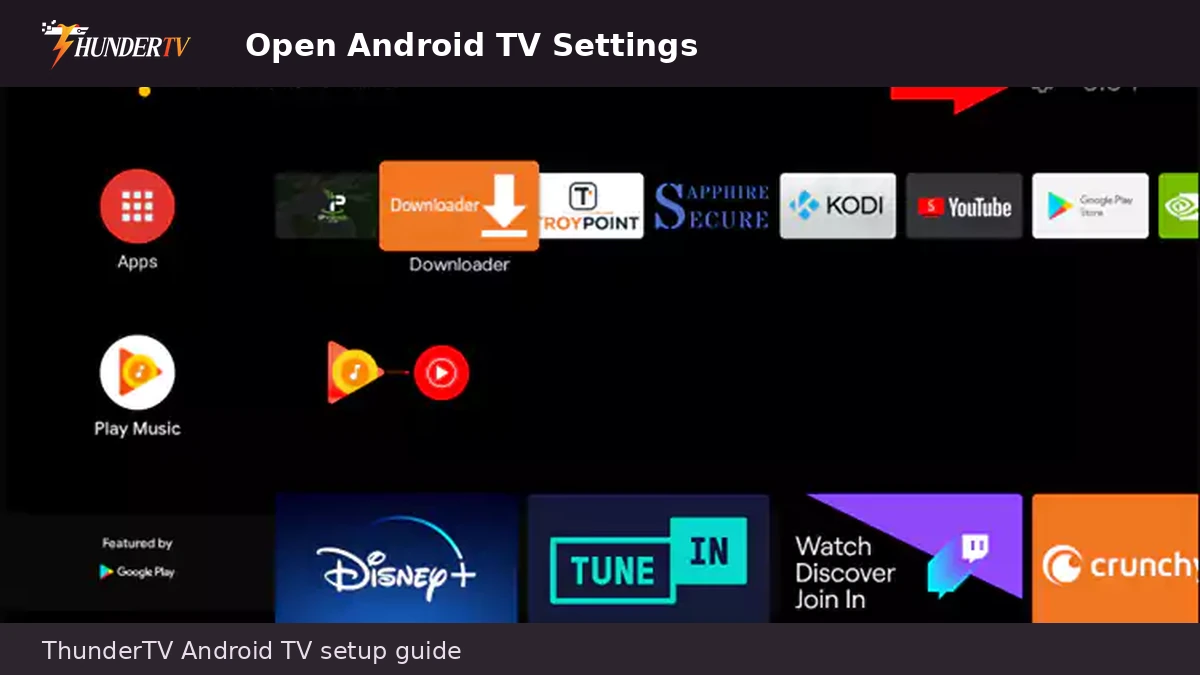
1. Open Android TV Settings
From your Android TV or Android Box home screen, open Settings. This is usually shown as a gear icon.
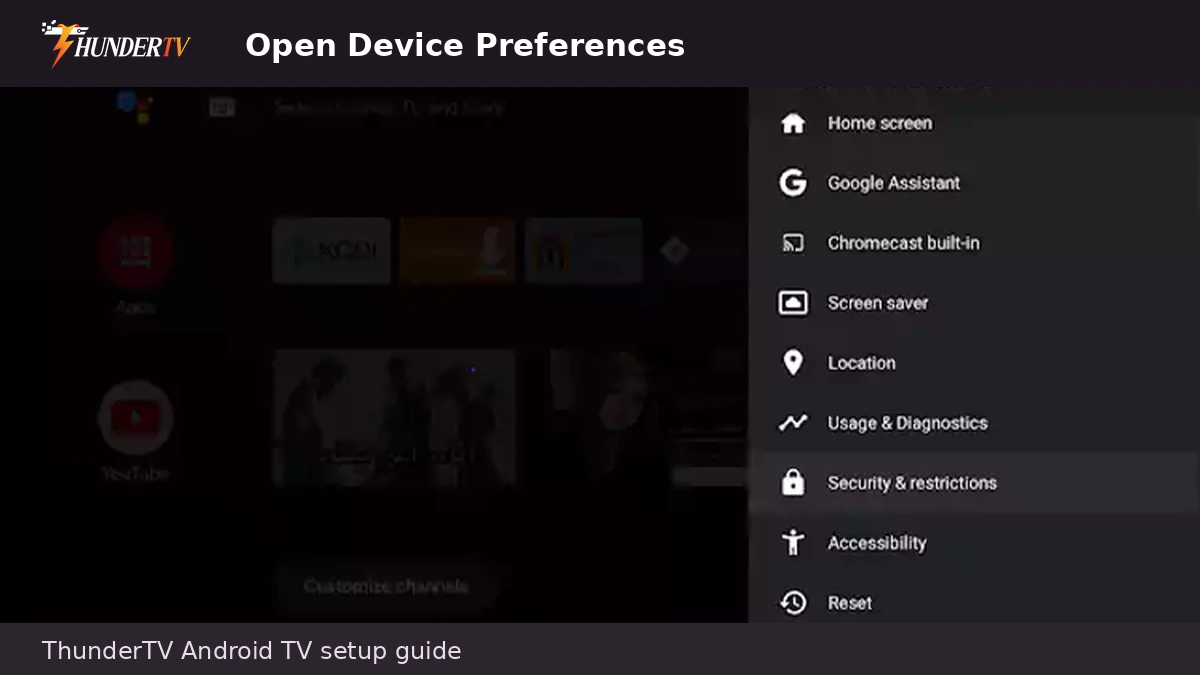
2. Open Device Preferences or System
In Settings, open Device Preferences, System, or Device & Software depending on your Android TV version.
3. Open About
Open the About section. This is where many Android TV devices allow you to enable Developer Options.
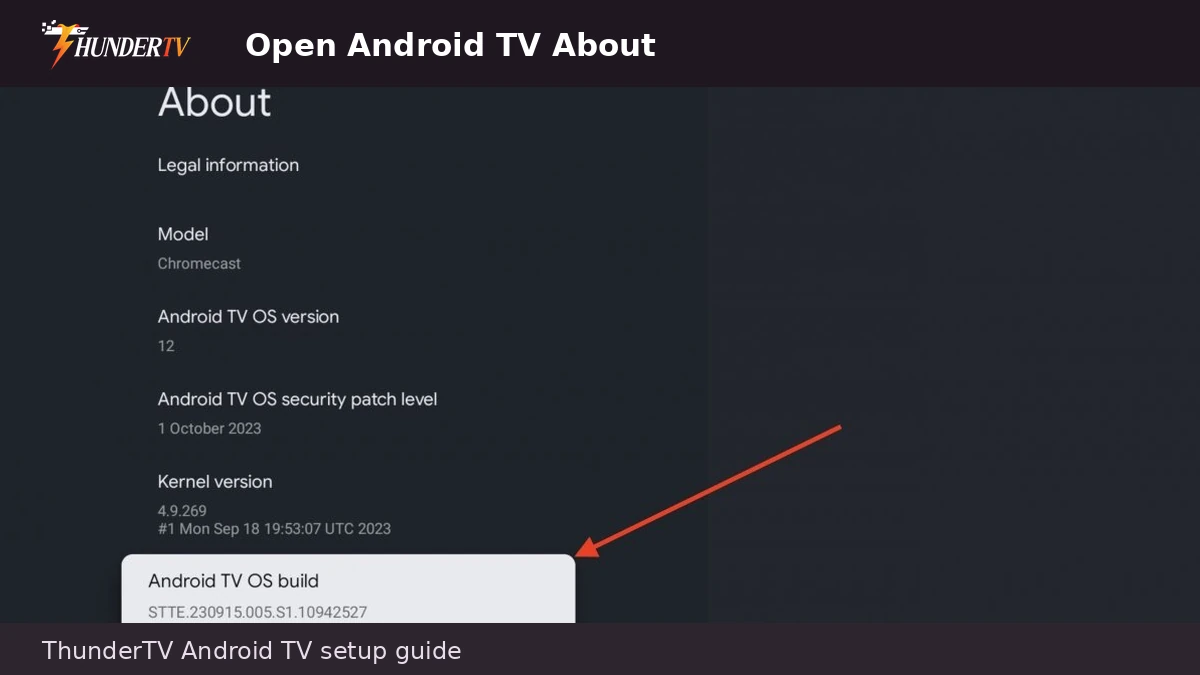
4. Enable Developer Options
Highlight Build, Android TV OS build, or your device name, then press Select several times until Developer Options are enabled.
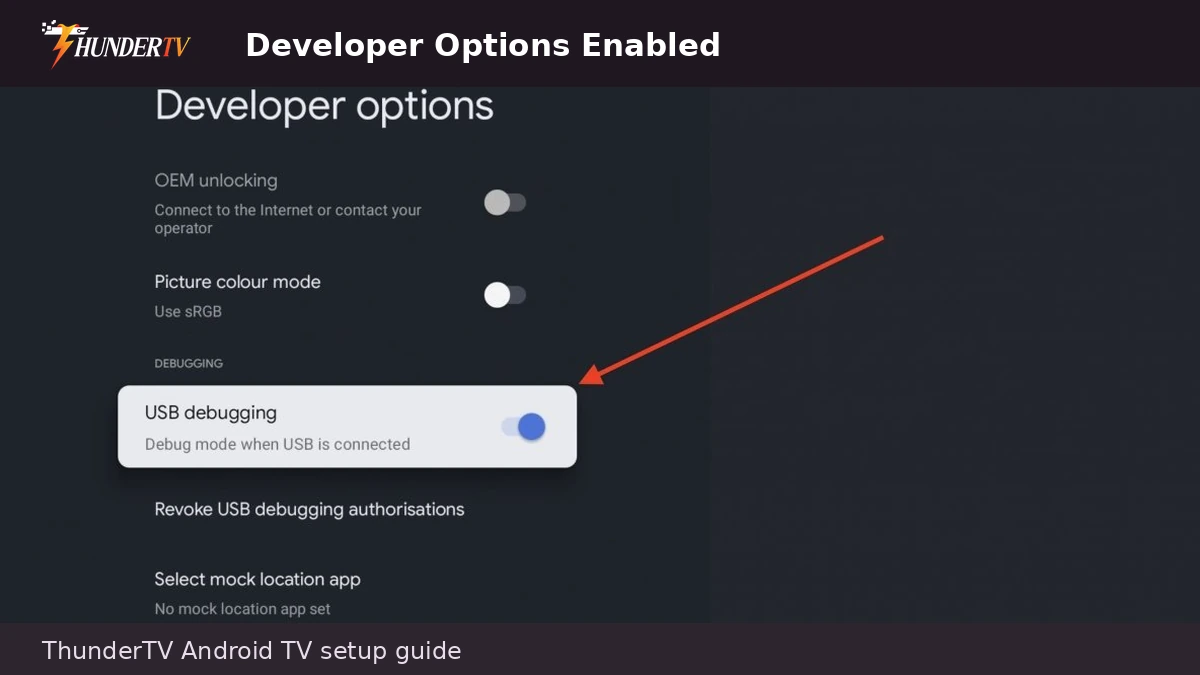
5. Allow Unknown Apps
Go to Security, Privacy, Apps, or Special App Access, then open Install Unknown Apps.
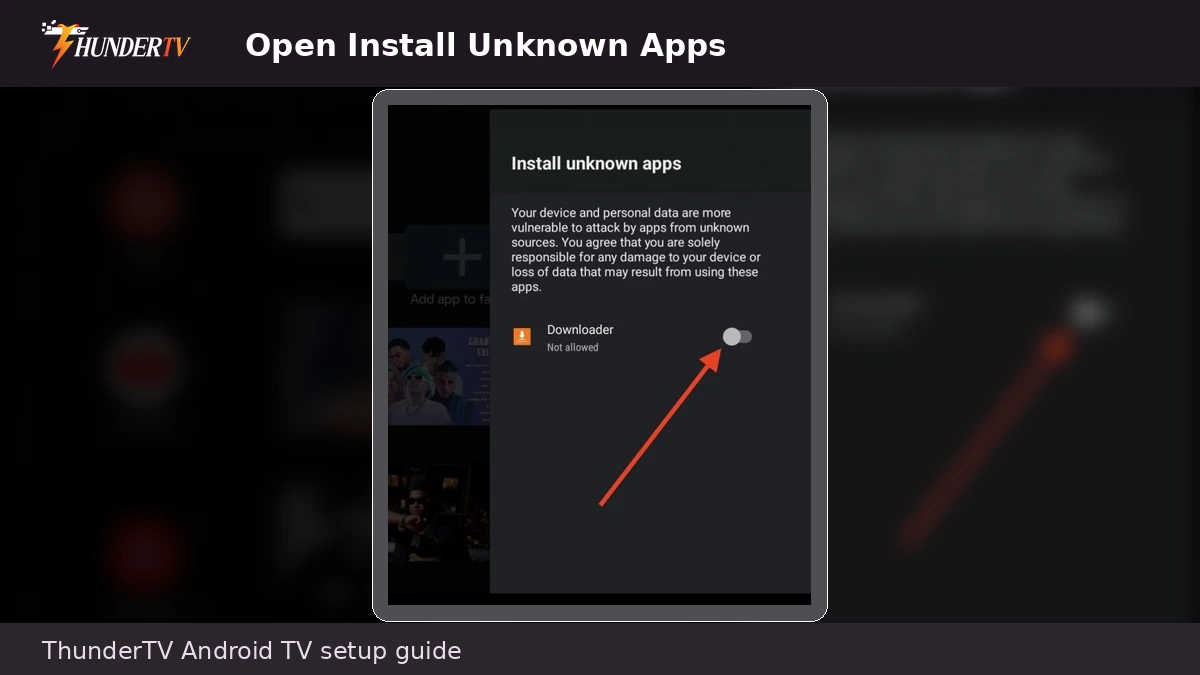
6. Allow Downloader or App Installer
Turn On permission for Downloader, File Manager, or the app you will use to install ThunderTV.
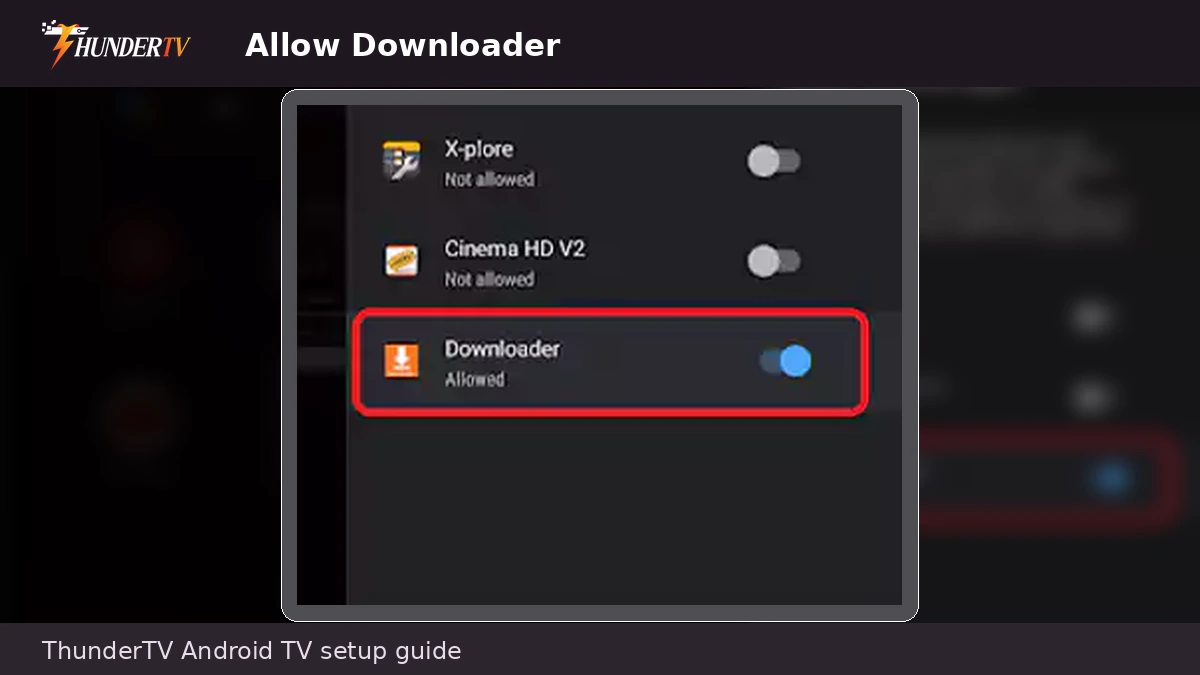
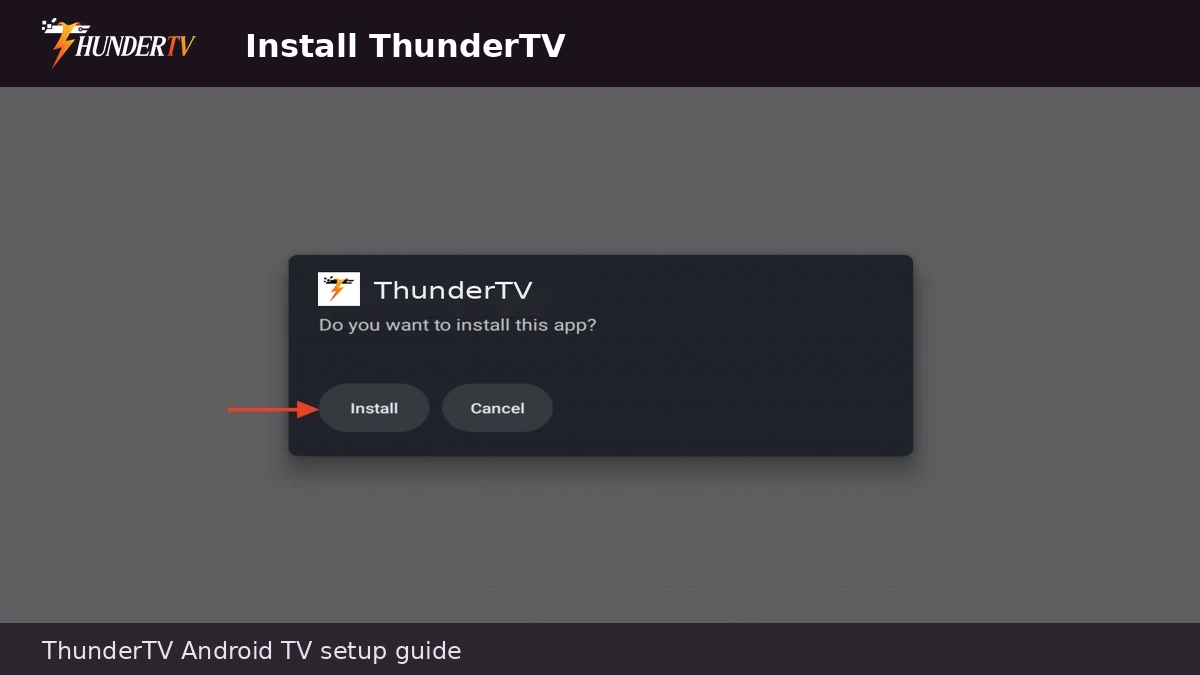
7. Install ThunderTV
Enter the app download link or use the ThunderTV AppStore instructions provided after ordering. Download and install ThunderTV or another supported IPTV app.
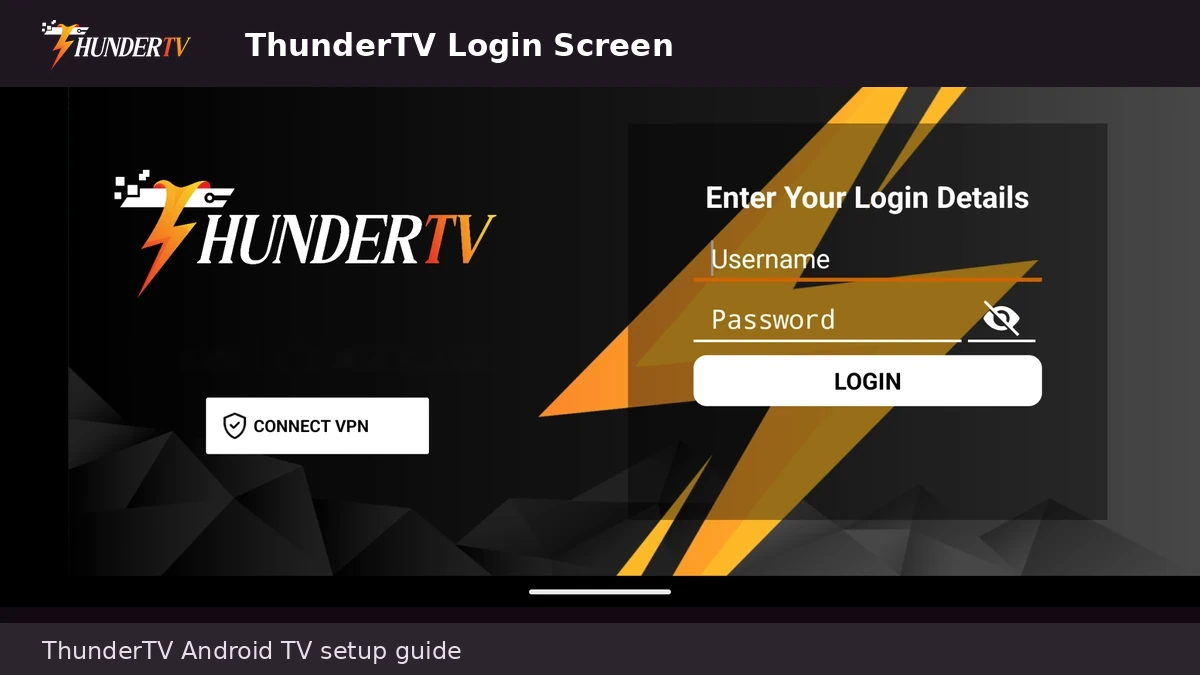
8. Enter Your Login Details
Enter the username, password, server URL, M3U link, or Xtream Codes details provided after ordering. The required fields depend on the app you are using.
9. Let Channels and Guide Load
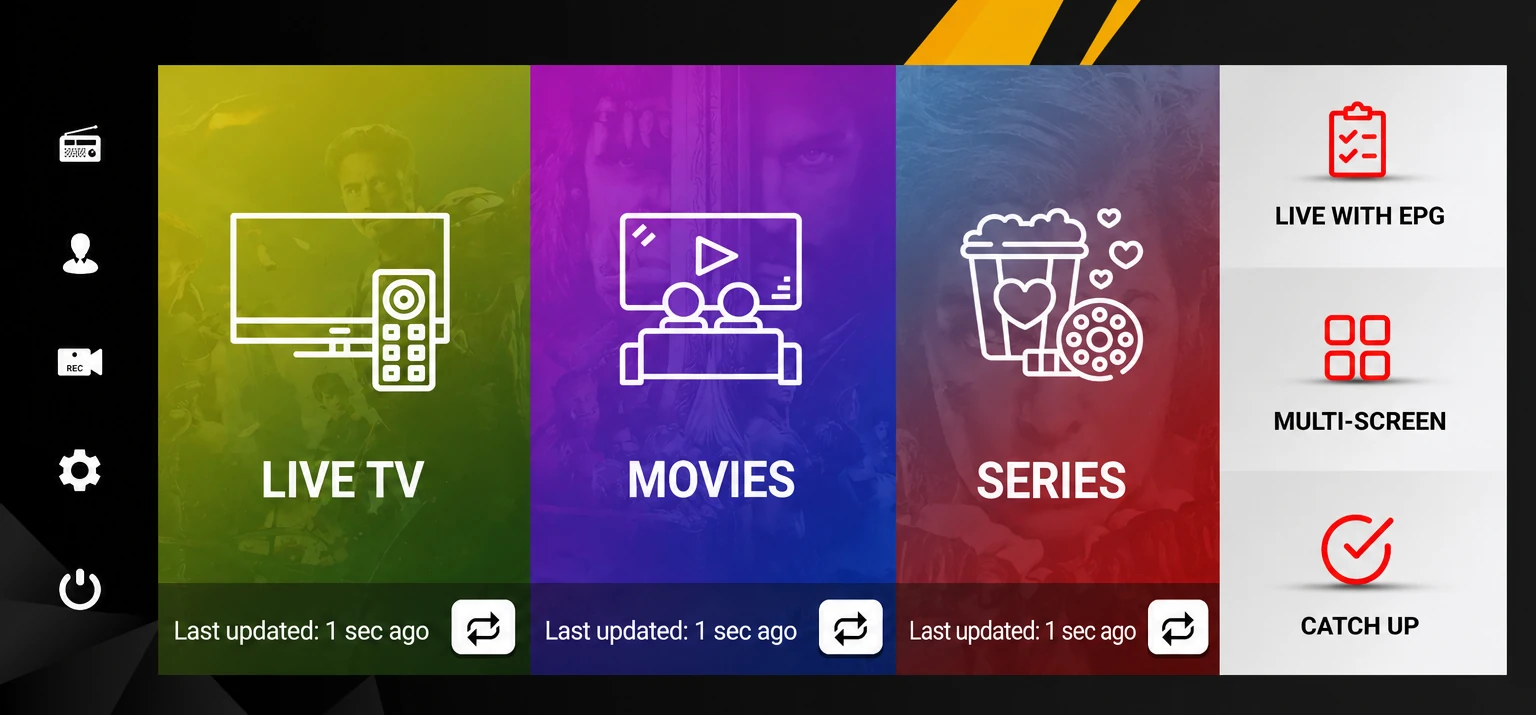
After logging in, allow live TV, movies, series, and guide data to load. This may take a few minutes the first time.